> ## Documentation Index
> Fetch the complete documentation index at: https://docs.softisp.ug/llms.txt
> Use this file to discover all available pages before exploring further.
# Logging In
> Sign in to your SoftISP account
 ## Steps
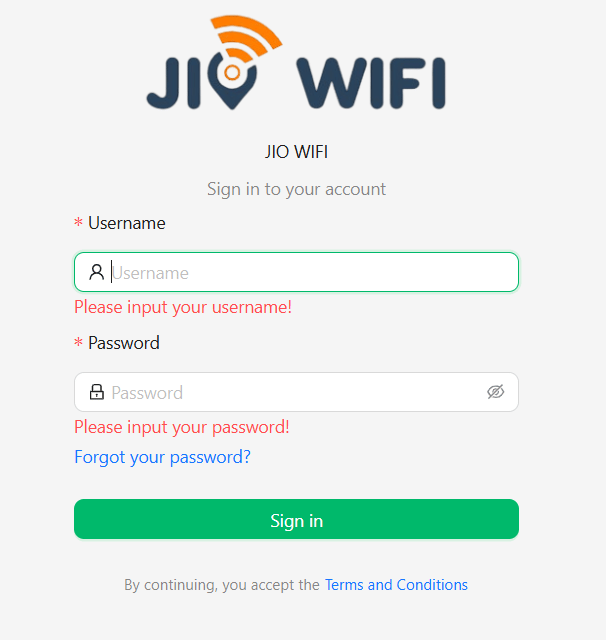
Enter your registered **Email**.
Enter your **Password**.
You'll be redirected to the **Dashboard** on success.
SoftISP uses JWT-based authentication. Your session is maintained securely, but idle sessions may require you to log in again.
## Trouble logging in?
If you've forgotten your password, see [Forgot Password](/gettingstarted/forgot-password).
## Steps
Enter your registered **Email**.
Enter your **Password**.
You'll be redirected to the **Dashboard** on success.
SoftISP uses JWT-based authentication. Your session is maintained securely, but idle sessions may require you to log in again.
## Trouble logging in?
If you've forgotten your password, see [Forgot Password](/gettingstarted/forgot-password).