

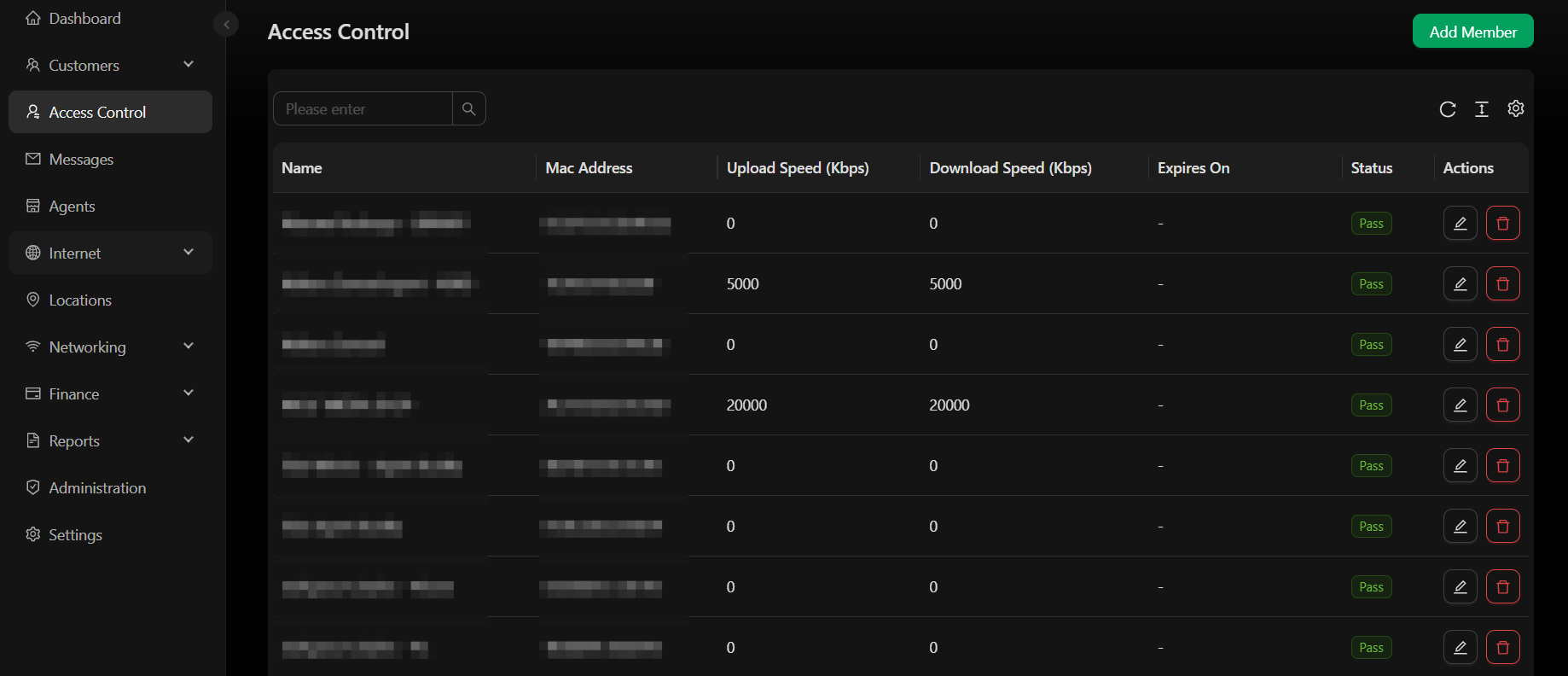
Giving a customer free access
Sometimes you need to give one specific customer’s device free access without a voucher and without a package purchase at all:- Compensating a customer — instead of issuing another voucher (which may count as a sale), simply connect them to cover the lost time
- Giving free access to staff or anyone else
This is different from a free package above — a free package is available to any customer at the splash page, while this grants access to one specific device only. To use this method, the person must already have an account on the WiFi hotspot, created automatically the first time they connect to the network.
1
Find the customer
Log in to SoftISP, go to Customers → List, and search by the customer’s registered phone number or account ID. Click their phone number or name (shown in blue) to open the account.
2
Open the Devices tab
In the customer’s account, go to the Devices tab — you’ll see a list of their mobile devices (smartphones or laptops). See Customer Detail for the rest of that page.
3
Add the device to access control
Find the device you want to give free access to, scroll to the far right, and click the person-shield icon. Fill out the form that appears: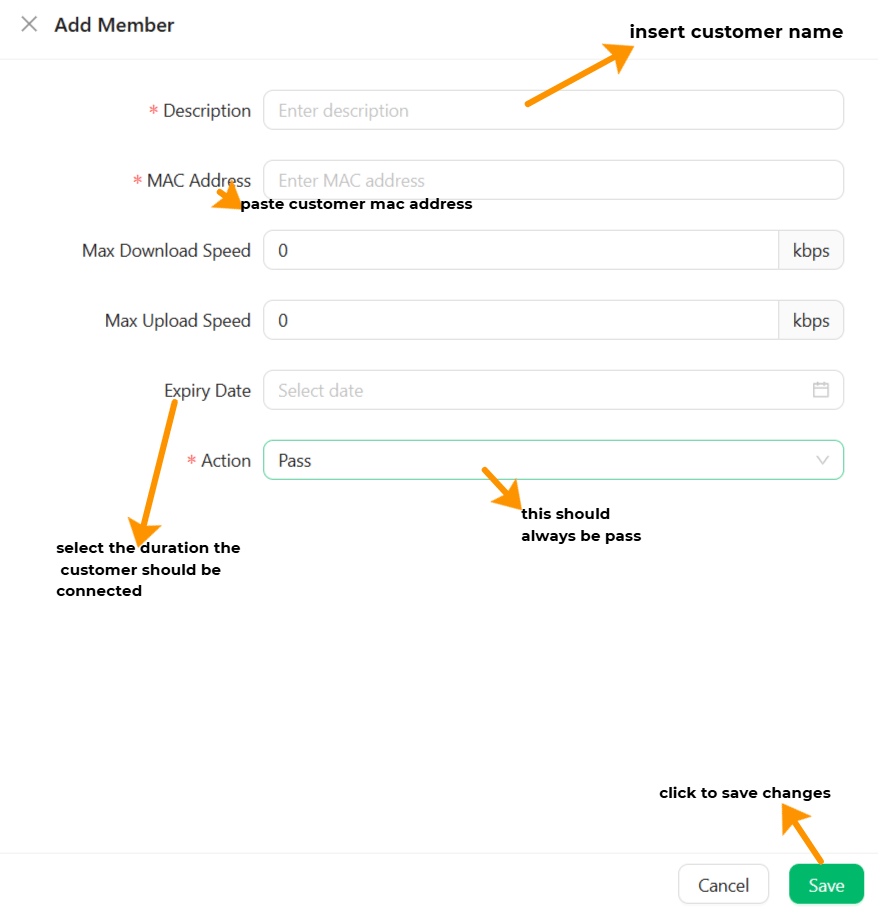
Fields marked with an asterisk (*) must be filled in.
4
Save
Click Save to close.