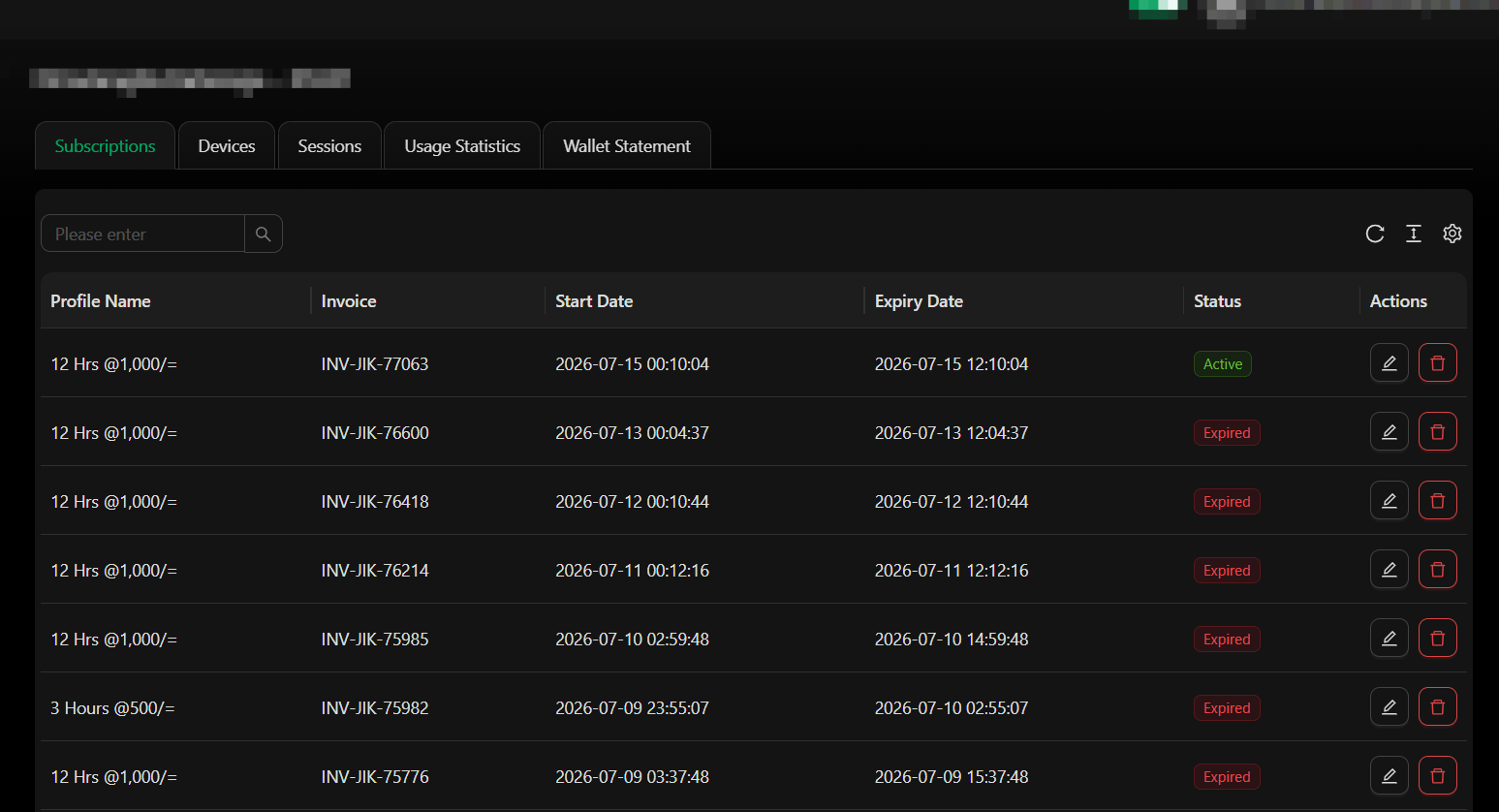
When a customer purchases a subscription, you can assign it to a specific device. This video shows how to select the device during the subscription setup process:
Each subscription can be linked to one or more devices depending on your package configuration. Make sure to select the correct device before finalizing the subscription.