

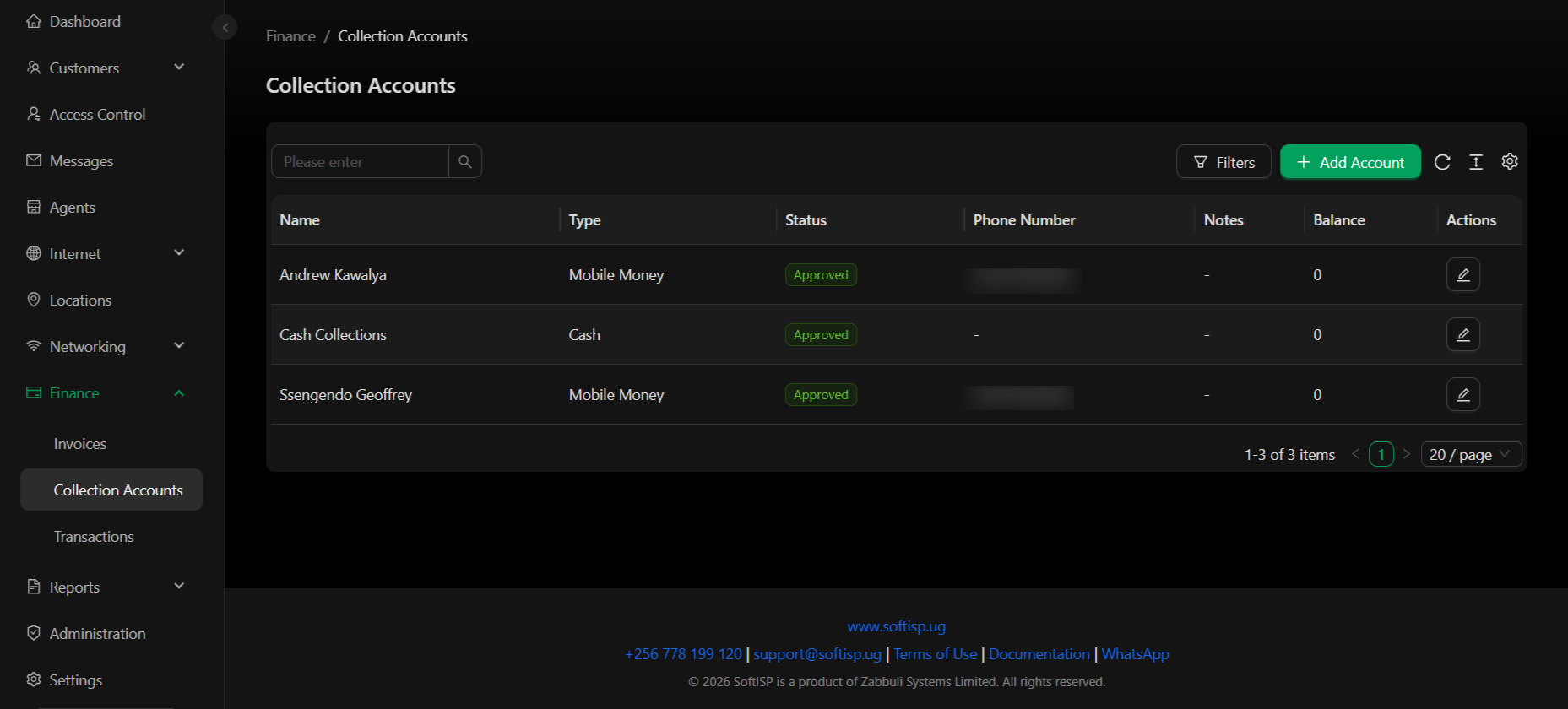
Dashboard Columns
Collection Account Types
Cash Collection
Simple cash collection account for tracking physical cash received.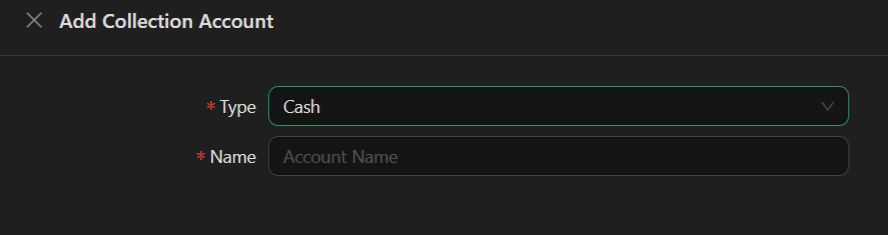
- Type – Cash
- Name – Account name (e.g., “Main Cash Box”)
Mobile Money Collection
Receive payments via mobile money providers (e.g., MTN Mobile Money, Airtel Money).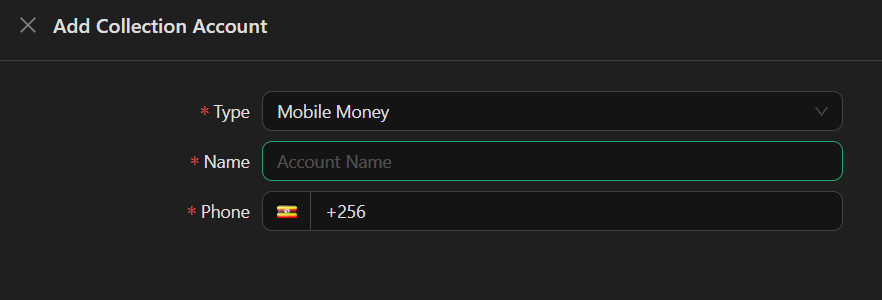
- Type – Mobile Money
- Name – Account name (e.g., “John Doe”)
- Phone – Mobile money account phone number (country code + number, e.g., +256…)
Bank Account Collection
Receive payments directly to a bank account.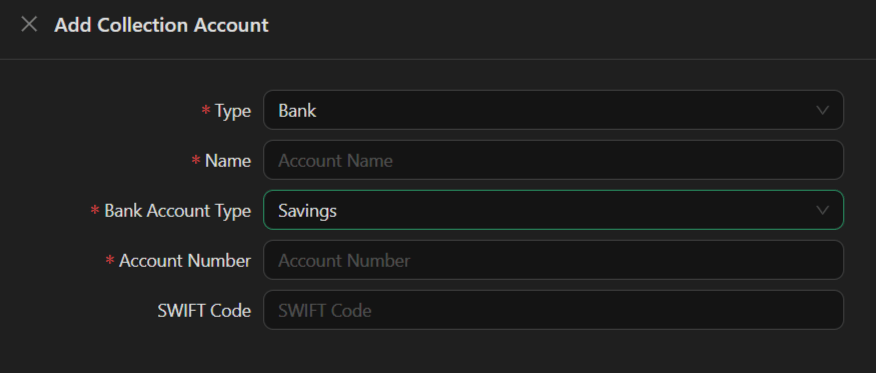
- Type – Bank
- Name – Account name
- Bank Account Type – Savings / Checking / Business (dropdown)
- Account Number – Bank account number
- SWIFT Code – Bank SWIFT/BIC code (optional)
Account Status
- Approved – Account is active and can receive payments
- Pending – Account awaiting approval
- Rejected – Account cannot receive payments
Actions
- Add Account – Create a new Cash, Mobile Money, or Bank collection account
- Edit – Update account details
- View Balance – Check current account balance
- Filter – Filter by status, type, or search by name
Collection accounts receive payments from customers. For transferring funds between collection accounts and your bank, see Transactions.