

Columns
Row actions
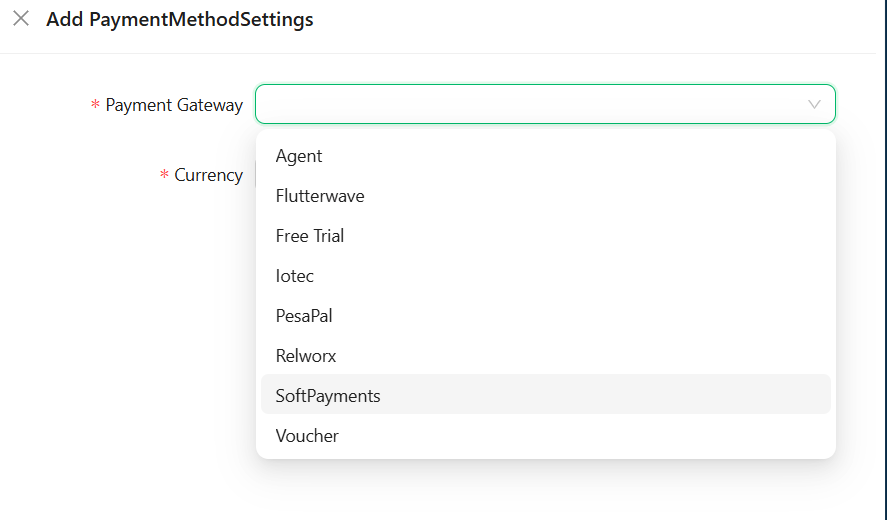
Available payment gateways
SoftISP supports the following payment gateways out of the box:Adding a payment method
1
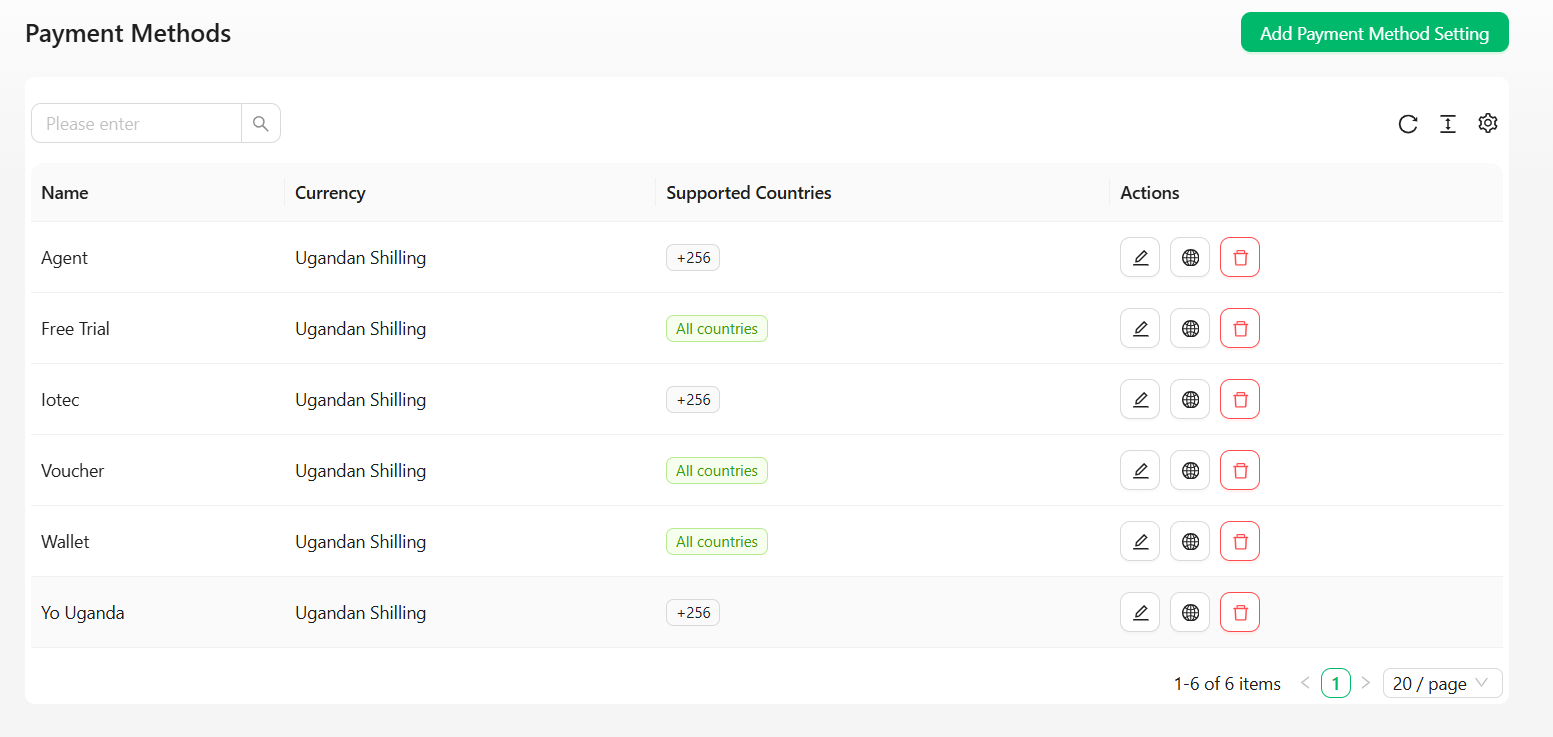
Open Add Payment Method Setting
Click Add Payment Method Setting in the top right of the Payment Methods page.
2
Select a gateway and currency
- Payment Gateway* — choose from the available gateways above. Once saved, the gateway can’t be changed on this configuration — you’d need to delete it and add a new one.
- Currency* — defaults to your company’s currency, but can be changed per method.
3
Set locations (if applicable)
For every gateway except Cash, a Locations field appears — select which of your locations have this payment method enabled. Cash doesn’t need this since it isn’t location-gated.
4
Fill in credentials
If the gateway requires API credentials, a Credentials card appears with fields specific to that gateway (API keys, secrets, etc.). Password-type fields are masked as you type.
SoftPayments is the exception — SoftISP automatically creates or reuses your company’s till from your company profile. There’s no API key, webhook key, or till-linking to fill in manually.
5
Save
Click Save to activate the payment method.
Restricting supported countries
By default, a new payment method is available to customers from any country. To restrict it:1
Open the countries setting
Click the globe icon on the payment method’s row.
2
Choose a scope
- Leave Available in all countries checked to allow any country, or
- Uncheck it and enter specific country calling codes (e.g.
+256for Uganda,+254for Kenya)
3
Save
Click Save to apply the restriction.
Charge Customer
Understanding mobile money charges
When customers pay via mobile money (Airtel, MTN, etc.) through integrators like IOTEC or Relworx, telecom providers charge both the customer and the integrator:- Customer is charged the base amount + mobile money fee
- Integrator is charged a separate percentage (typically 2%)
- SoftISP does not retain the mobile money charge Example:
- Customer wants to pay: 1,000 UGX
- Customer sees charge: 1,041 UGX (41 UGX mobile money fee)
- Telecom charges integrator: 20 UGX (2% integrator fee)
Pushing the charge to the customer
If you want to pass the mobile money charge to the customer instead of absorbing it, you can charge them the full amount including the telecom fee. When to use this:- Customer is aware of and accepts the mobile money fee
- Your pricing model passes fees to the customer
- You want to maintain your margin without absorbing telecom charges